

Nonprofits
Prepare program updates, volunteer opportunities, event invitations and fundraising stories. Give staff, board members and volunteers useful content, with links to your own sign-up or donation pages.
Equip your staff, volunteers, and supporters with ready-to-share content so your mission reaches more people, inspires action, and drives real change.
Use the same core features with content that fits the way your organization serves and connects people.
Prepare program updates, volunteer opportunities, event invitations and fundraising stories. Give staff, board members and volunteers useful content, with links to your own sign-up or donation pages.
Schedule service invitations, community outreach updates, volunteer opportunities and event reminders. Create Journeys that introduce your church's story, ministries and ways to get involved.
Keep meetings, speaker events and member spotlights visible. Give new members a Journey that introduces the group to their own network and share links to your registration or membership pages.
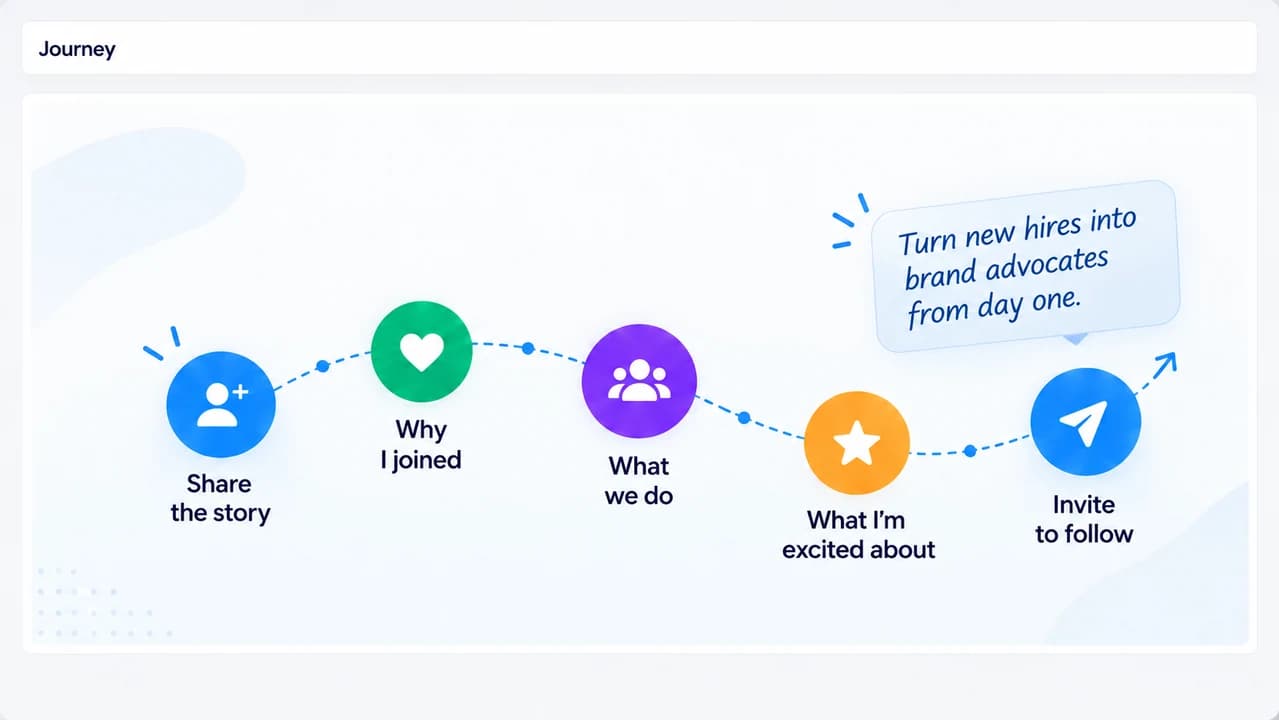
A new volunteer, church member or networking-group member brings a community of their own. Give them a curated sequence of posts about your origin story, why they joined and how others can take part.
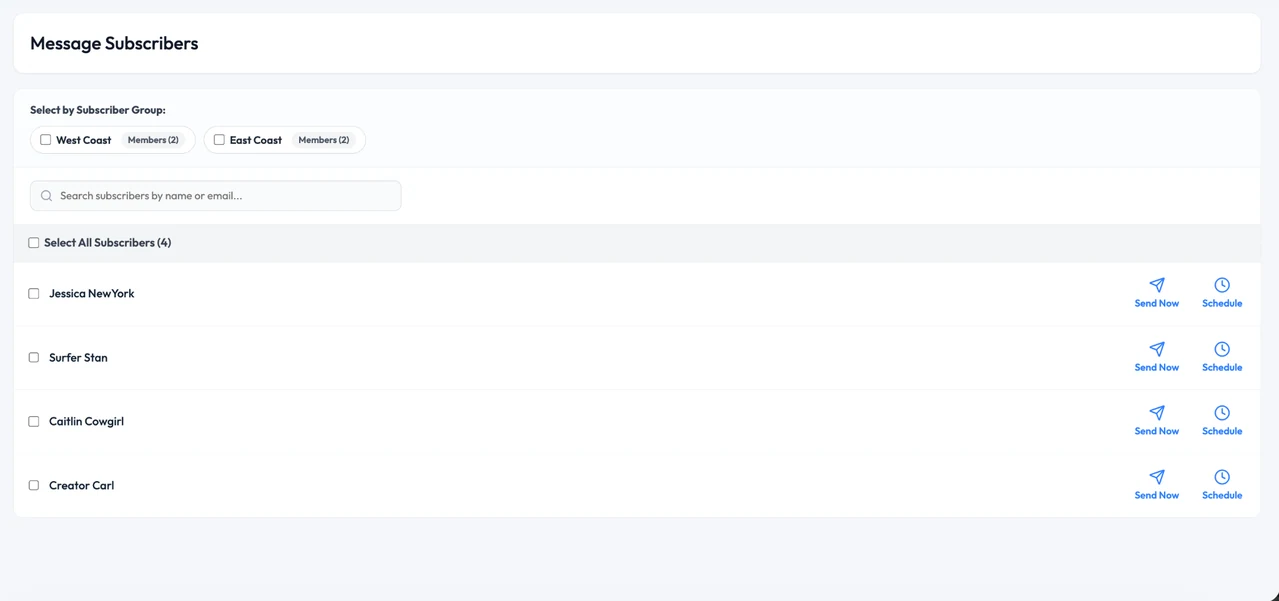
Plan event posts in advance and send your people reminders with a simple script. Prepared content keeps the details consistent; personal invitations and real moments still come from them.
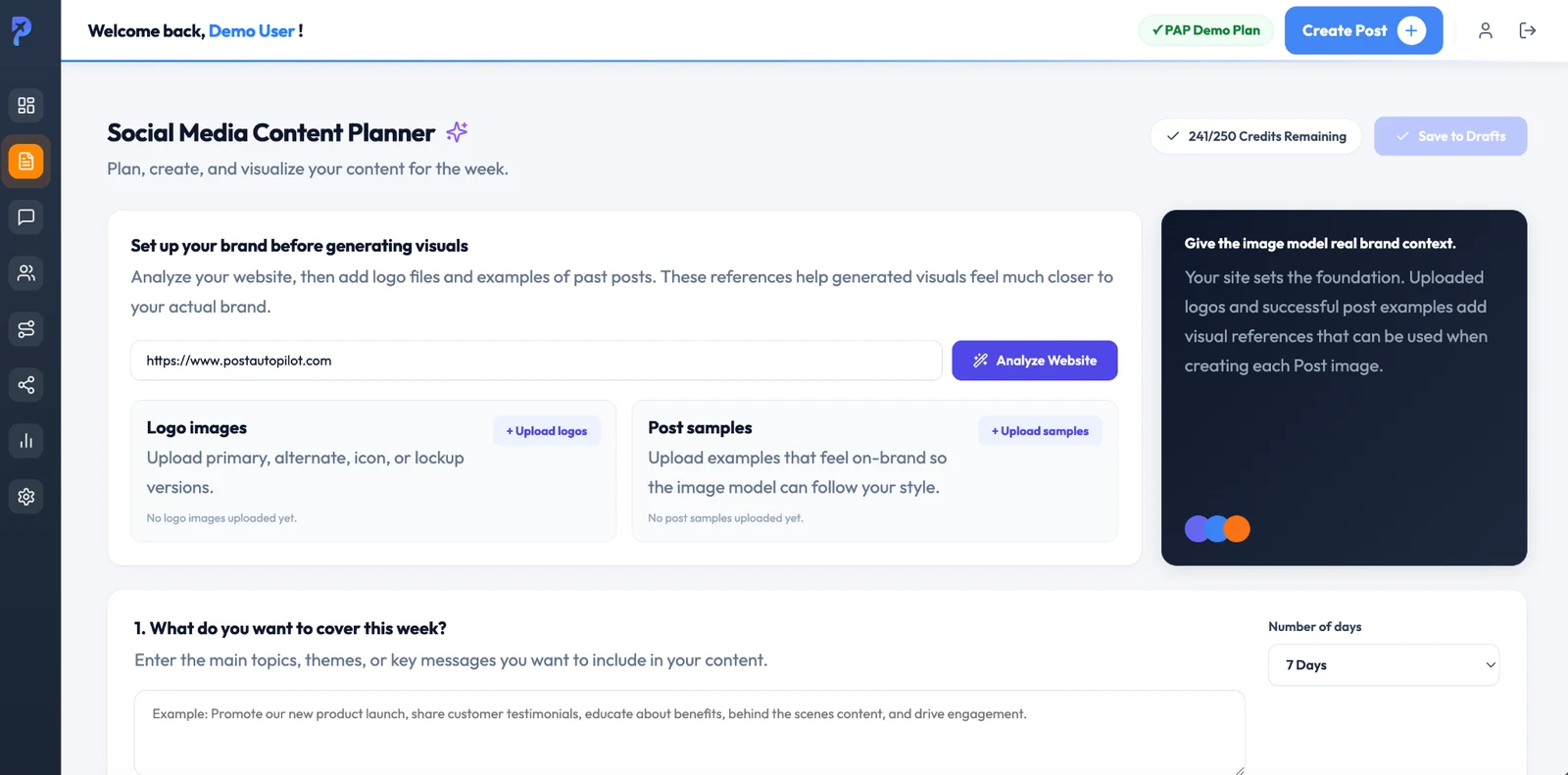
Generate a week of social media posts, including images, around the themes your community needs to hear. Supply brand references, then review the content for accuracy, tone and the way it represents your people.
Use prepared content as a starting point—not a replacement for the people and relationships at the heart of your organization.
Authentic AI adapts source content to the person sharing it. Authentic AI Distribution remains patent pending.
Include the appropriate volunteer, ministry, membership or event link. PostAutoPilot shares the link; it is not presented here as a donation or registration processor.
Advanced Analytics is in Public Preview for reviewing available social performance and subscriber participation.
Yes. A church can create service invitations, ministry updates, outreach stories and event reminders, then share them through participating staff and members. Journeys can introduce the church's origin story and community to new members' social networks.
Prepare a sequence that introduces the group, explains why a new member joined, highlights upcoming gatherings and shares ways to participate. Each new member can introduce that story to their own network.
Yes. Subscriber groups help you organize participating volunteers, members, chapters or teams and select who should receive specific content and messages.
Yes. Include links to your organization's existing pages, and use subscriber-specific links when appropriate. PostAutoPilot is not being described as processing donations, registrations or membership payments.
Content Planner generates a week's worth of social media posts, including images. It is in Public Preview. Use your website, uploaded logos and post samples to provide brand context, then review the generated content before publishing.
Review current plans and pricing, or book a demo to discuss your organization, participating members and content needs.
Bring your mission, gatherings and everyday updates into a consistent social media workflow.